# DoS
DoS (Denial of Service) is used for classifying and blocking specific types of DoS attacks. From here, you can configure the switch to monitor and block different types of attacks.
## Global Settings
On this page, the user can enable or disable the prevention of different types of DoS attacks. When enabled, the switch will drop the packets matching the types of DoS attack detected.
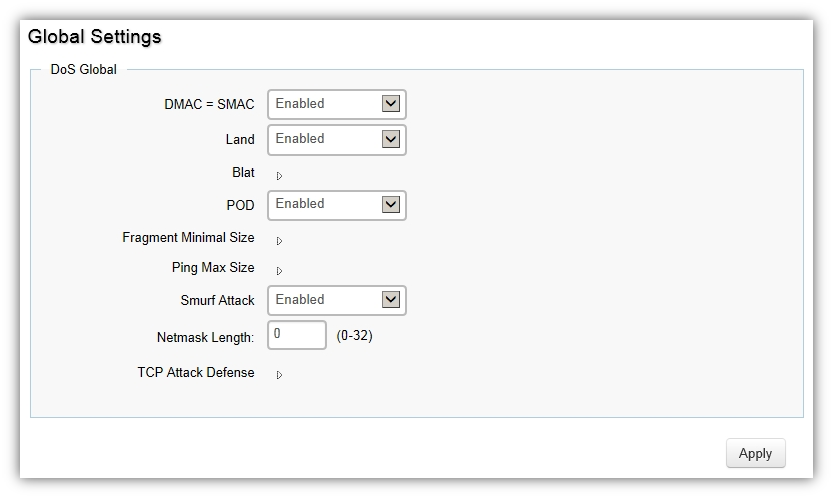
Click **Apply** to update the system settings.
## **Port Settings**
From here you can configure the Port Settings for DoS for the switch. Select from the drop-down list whether you wish to enable or disable DoS protection for the switch.

| | Descriptions |
| -------------- | -------------------------------------------------------------------------------- |
| Port | Displays the port for which the DoS protection is defined. |
| DoS Protection | Select Enabled or Disabled for the DoS protection feature for the selected port. |
Click **Apply** to update the system settings.